




How can we help?
Search our help centre, or browse by device and topic.
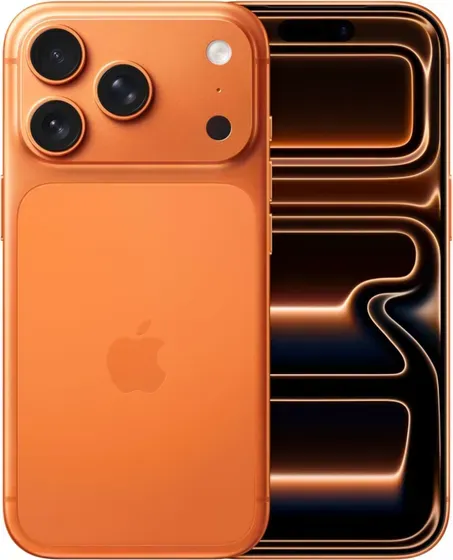
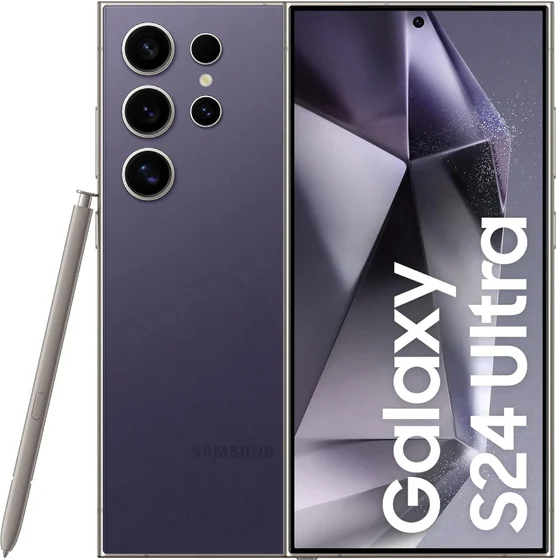
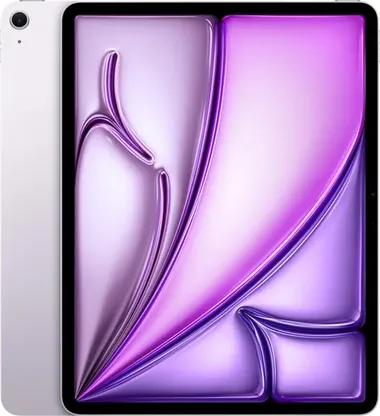
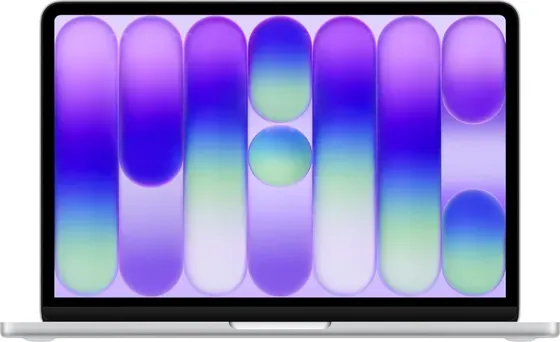
Browse by device
Pick your device for tailored help.
Browse by topic
Jump straight to a topic across all devices.
Popular questions
How do I start a return?
Start it on our returns page, or contact us with your order number. We confirm the next steps and sort your returns label. Back up your data, sign out of your accounts and take any locks off, then send it back with everything that came with it.
Returns & refundsWhat does the warranty cover?
Hardware and component faults, a failing or swollen battery among them. Anything that was already wrong when it arrived. Battery health under 80% of original capacity, or a MacBook over 600 charge cycles: that is the minimum we sell at.
WarrantyWhat does each grade mean?
A+, Pristine. Like new, with no signs of wear. Fully tested and in full working order. A, Excellent. Little or minor signs of wear. Fully tested and in full working order. B, Good. Moderate signs of wear across the device. Fully tested and in full working order. C, Average. Signs of heavy wear, and the best value of the four. Fully tested and in full working order.
Condition gradesHow do I track my order?
Sign in and open your orders for the current status and the tracking link. Your dispatch email carries the same link.
Account & ordersIs my iPhone carrier locked?
A carrier-locked phone only works on one network. The iPhone devices we sell are network unlocked unless the listing says otherwise, so any UK SIM should work. If you think yours is locked to a network, contact us.
iPhone unlocking & device locksHow do I set up my iPad for the first time?
Charge the iPad before first use. Power on and choose your language and region. Connect to Wi-Fi. Sign in with your account (or create one), then choose to restore from a backup or set up as new. Install any available software updates.
iPad setup & data transferWhy won’t my games console turn on?
Check the power lead is pushed fully into both the console and the wall, and try a different socket. Look for a standby light - if there is one, the console has power and the problem is more likely the display. Force restart: Hold the console’s power button until it fully powers off, wait 30 seconds, then power back on.
Games console troubleshootingHow do I check my MacBook battery health?
Go to System Settings → Battery → Battery Health. To see the charge-cycle count, hold Option and choose Apple menu → System Information → Power.
MacBook battery healthHow much will you pay for my device?
It depends on the model and its condition. Choose yours on our trade-in page and you get a price straight away.
Selling & trade-inIs The iOutlet legit?
Yes. The iOutlet has been refurbishing and selling tech since 2012, and we are a Which? Recommended Provider for refurbished tech. We score 4.7 out of 5 from 6,600+ Trustpilot reviews. Every device goes through a 70+ point check before we list it, and comes with a free 12-month warranty.
Why choose The iOutlet
Still need a hand?
Our support team is happy to help with anything we haven’t covered.
