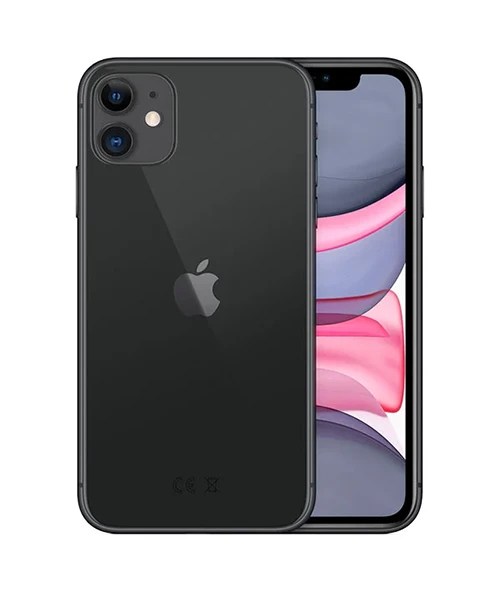

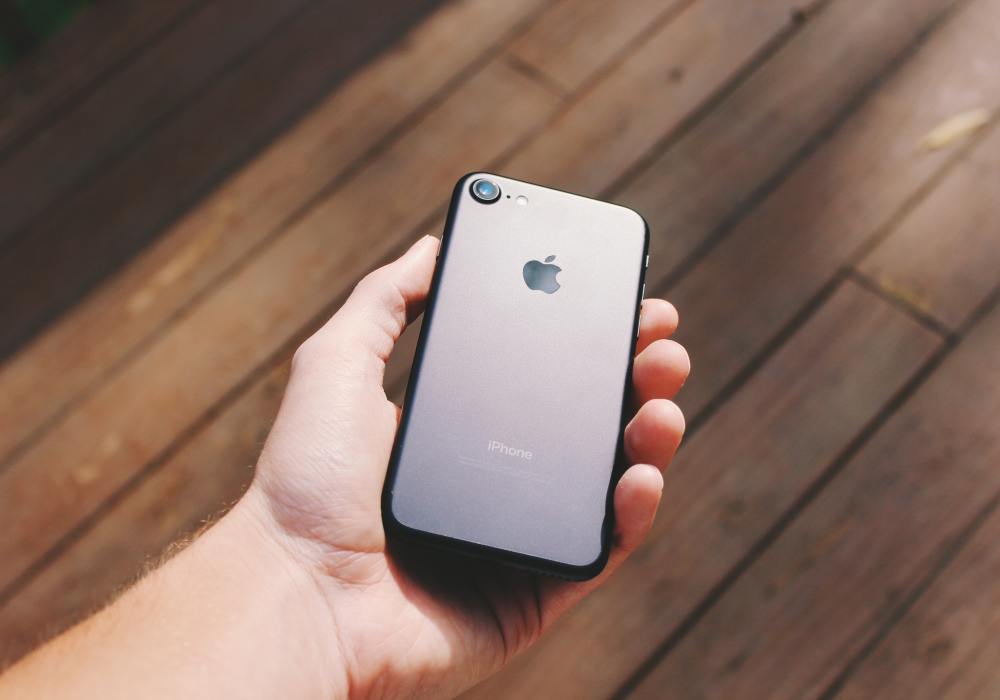
Got an old iPhone sitting in a drawer? Selling it is an easy way to put some money towards your next phone, tablet, laptop or gadget.
Before you send it off, there are a few things worth doing to protect your data and make sure the trade in process goes smoothly. Most of it only takes a few minutes and can help avoid delays once your device reaches our team.
How Does The iOutlet Trade In Process Work?
Trading in your device starts with an instant online quote.
Simply search for your iPhone on our Sell My Gadget page and answer a few questions about its condition, storage capacity and network status. You’ll then receive an instant valuation based on the information provided.
If you’re happy with the quote, complete your details and choose how you’d like to be paid. You can receive payment directly via bank transfer or choose a higher value gift voucher to spend across The iOutlet website.
Not sure which iPhone you have?
Open Settings > General > About and you’ll find the model name, storage size and other information about your device.
When completing your quote, it’s always best to be honest about the condition of the phone. Small scratches, battery wear or other faults won’t necessarily stop you from selling it, but highlighting them from the start helps ensure the valuation remains accurate when our technicians inspect the device.
Once you’ve accepted the quote, we’ll provide a free postage label so you can send your iPhone to us.
Back Up Your Data
Before selling any phone, make sure you’ve backed up anything you want to keep.
Photos, videos, contacts, messages and app data can all be transferred to your next device if you create a backup first.
The easiest option is iCloud Backup:
Settings > [Your Name] > iCloud > iCloud Backup > Back Up Now
You can also create a backup using a Mac or Windows PC.
Even if you’re not planning to buy another iPhone, it’s worth backing everything up before erasing the device. Once the phone has been reset, your data cannot be recovered.
Remove Your Apple ID and Find My iPhone
This is the step that causes the most trade in delays.
Apple devices are protected by Activation Lock, which prevents anyone else from using the phone if it is still linked to your Apple account.
Before sending your device, you’ll need to sign out of your Apple ID completely.
Open:
Settings > [Your Name]
Scroll to the bottom of the page and tap Sign Out.
You’ll be asked to enter your Apple ID password to confirm the change.
Once completed, Find My iPhone and Activation Lock will be removed from the device.
If you no longer have access to the phone, you can remove it remotely through your Apple account by signing into iCloud and removing the device from your list of trusted devices.
Factory Reset Your iPhone
After backing up your data and removing your Apple ID, it’s time to erase the phone.
Go to:
Settings > General > Transfer or Reset iPhone > Erase All Content and Settings
Follow the prompts and allow the device to complete the reset process.
When finished, the iPhone should display the standard Apple setup screen as if it were brand new.
If you see your personal apps, photos or lock screen after the reset, the process hasn’t completed correctly and should be repeated before sending the device.
Check Your Battery Health
Battery condition is one of the most common questions we receive when buying used iPhones.
Apple includes a built in battery health checker which shows how much capacity remains compared to when the battery was new.
To view it, go to:
Settings > Battery > Battery Health & Charging
A lower battery health percentage doesn’t necessarily reduce the value dramatically, especially on older devices, but it’s useful information to know before requesting a quote.
If your battery has already been replaced by Apple or a repair technician, it’s worth mentioning that too.
Remove Your SIM Card and Check for eSIMs
Before packaging your device, make sure you’ve removed any SIM cards. Many people forget this step and only realise once the phone has already been posted.
Use a SIM eject tool or paperclip to open the SIM tray and remove the card.
If you’re using an eSIM, it’s worth checking with your network provider that the service has been transferred to your new device before resetting the phone.
Give the Phone a Quick Clean
You don’t need to spend hours polishing your iPhone, but giving it a quick wipe down makes it easier for our technicians to inspect.
Use a soft microfibre cloth to remove fingerprints, dust and dirt from the screen and casing.
Avoid using excessive moisture or harsh cleaning products.
Package Your iPhone Properly
The last thing you want is for your phone to be damaged in the post! Wrap the device in bubble wrap or other protective packaging and place it inside a sturdy box. The aim is to prevent movement during shipping.
If you still have the original Apple box, that’s great, but it isn’t required.
Once packaged, attach the free postage label provided during the trade in process and drop the parcel at your local Post Office or Royal Mail drop off point.
It’s always worth keeping proof of postage until your trade in has been completed.
What Happens After We Receive Your Device?
Once your iPhone arrives with us, our technicians will inspect it to confirm that the condition matches the information provided during the quote process.
Assuming everything matches, payment is processed quickly using your chosen payment method. If there are any issues or discrepancies, our team will contact you to discuss the next steps before anything is finalised.
Frequently Asked Questions
Do I need to remove my Apple ID before selling my iPhone?
Yes. If your Apple ID is still linked to the device, Activation Lock will prevent the phone from being used by a new owner. You’ll need to sign out before sending the device.
Can I sell an iPhone with a cracked screen?
Yes. We buy devices in a range of conditions, including phones with cracked screens and other faults. The condition will simply be reflected in the valuation.
Can I sell a locked or blocked iPhone?
Network locked devices can often still be traded in. Phones that have been blacklisted, reported lost or reported stolen are generally not accepted.
Do I need the original charger and box?
No. While original accessories are always welcome, most customers send the handset on its own.
How long does payment take?
Once your device has been received and inspected, payment is typically processed quickly. Times can vary depending on the payment method selected.
What if I’ve forgotten my Apple ID password?
You’ll need to regain access to your Apple account before removing Activation Lock. Apple provides account recovery options if you’ve forgotten your password.
Ready to Trade In?
Whether you’re upgrading to the latest iPhone or simply clearing out old tech, selling your unused devices is an easy way to unlock some extra value.