
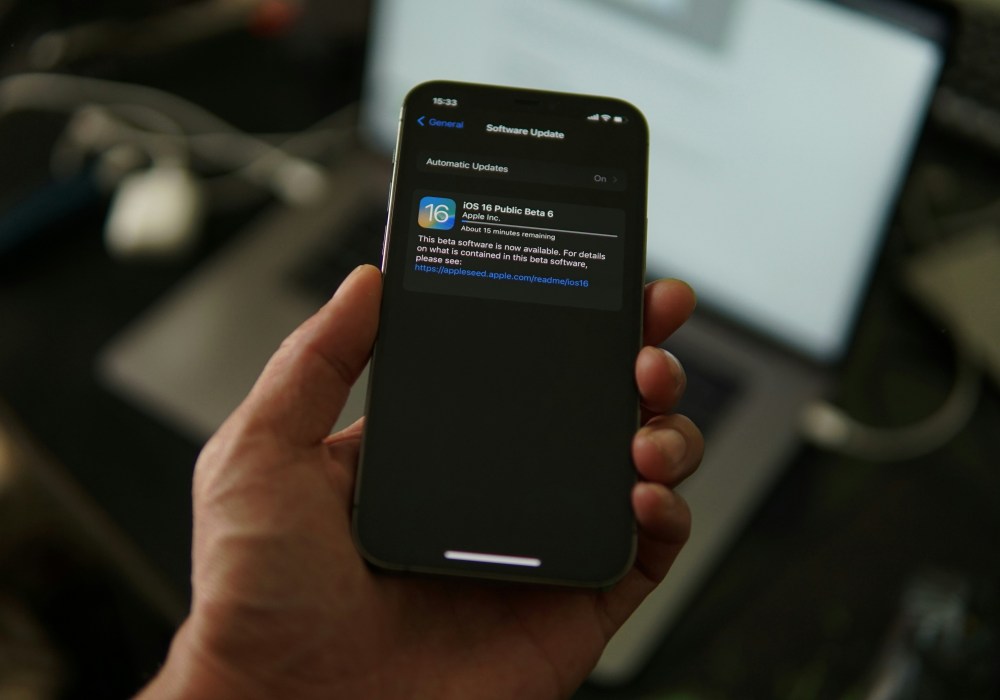
If you’ve had your iPhone for a while, you might have noticed that it no longer gets the latest software updates. Maybe a new version of iOS came out, and your phone didn’t get the notification. Maybe your apps are starting to behave oddly or you’re seeing more crashes than usual. It doesn’t mean your phone’s broken, but it could be a sign that it’s nearing the end of its supported life.
This happens to all iPhones eventually. Apple stops supporting older devices after a while, and that’s when it’s worth understanding why updates stop, what it means for your day-to-day use, and what your options are from there.
What do iOS updates actually do?
Every iOS update includes changes behind the scenes. These might be new features, bug fixes or improvements to battery and performance. Some updates are mostly about design or extra shortcuts, while others fix security issues or make apps run better.
If your phone is no longer eligible for updates, you’ll slowly start to notice things stop working properly. Not straight away, but over time. Apps might not install. The phone could feel slower. Eventually, services like FaceTime or Wallet may stop working entirely.
How long do iPhones get iOS updates for?
Apple is actually one of the best brands when it comes to long-term software support. Most iPhones get between five and seven years of updates from the date they were first released. That means even if you’re not the type to queue up for the newest model, you’re still covered for quite a while.
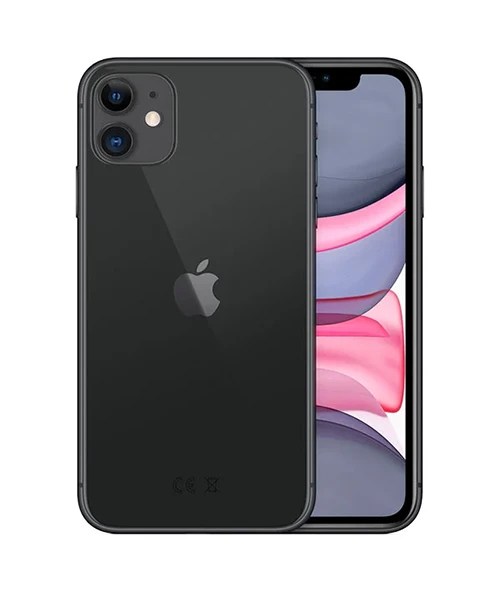
As of now, we’re seeing devices like the iPhone 11 and iPhone 12 reach the end of the update cycle. That doesn’t mean they’re no longer good phones, it just means they’ve hit the limit of what their hardware can support.
There’s no exact formula, but in general, the older the phone, the closer it is to the end of its software support window, and if your iPhone came out more than five years ago, you might start noticing that it’s falling behind.
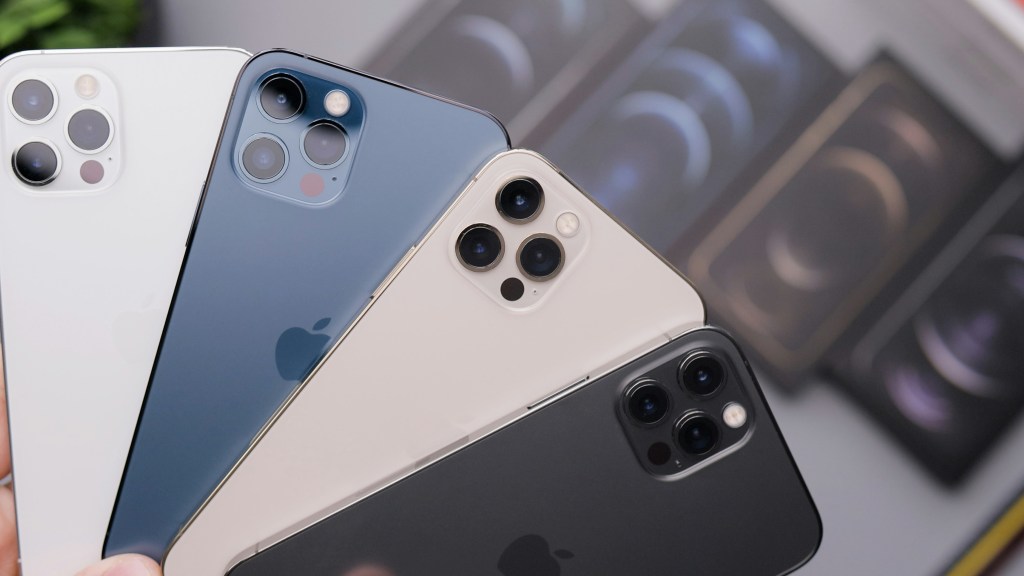
Why does Apple stop supporting older models?
It mostly comes down to the tech inside the phone. Each new version of iOS is designed to take advantage of faster processors, better cameras, and more advanced features that older phones just don’t have.
Imagine trying to run modern software on a laptop from 2010. It might power on, but it’ll struggle to keep up. The same thing applies to phones. At a certain point, older hardware can’t handle the demands of the newest updates without things slowing down, glitching, or just not working at all.
Apple also focuses heavily on security and efficiency. That means building updates that are optimised for newer chips, not trying to make everything backwards compatible forever. It’s not about forcing you to upgrade, it’s about making sure updates stay fast, stable, and secure.
Still, it’s worth repeating, just because a phone stops getting iOS updates doesn’t mean it stops being useful. You can still call, text, browse, and do most day-to-day tasks without any problems for a while.
How do you know when it’s time to upgrade?
Not every phone needs replacing the moment it stops updating. Some people are happy to keep going for another year or two. But there are a few signs that might suggest it’s time to start thinking about an upgrade.
- Your apps stop working properly or won’t update
- You’re noticing slow performance or crashes
- Your battery life doesn’t get through the day
- New features like Face ID or Wallet no longer work reliably
- You’re unable to use newer accessories or services
If you’re ticking a few of those boxes, it might be time to think about your next phone, even if you’re not desperate for one just yet.
What should you do when your iPhone stops updating?
It’s still possible to get more life out of your current device, especially if it still does most things well. A full factory reset can often speed things up. You could also try swapping heavier apps for simpler ones or getting the battery replaced if that’s the main issue.
When that’s no longer enough, it’s worth looking at your upgrade options. That doesn’t have to mean buying a brand-new iPhone. There’s a more affordable option in refurbished.
At The iOutlet, we make upgrading easier. You can trade in your old iPhone, even if it’s not the latest model. We’ll give you a quote quickly, and you can put that value towards a refurbished iPhone that suits your budget and needs.
Every refurbished phone we sell has been tested, cleaned and checked over by our team. All devices come with a warranty. You’ll get a phone that works just like it should, for a lot less than buying new.
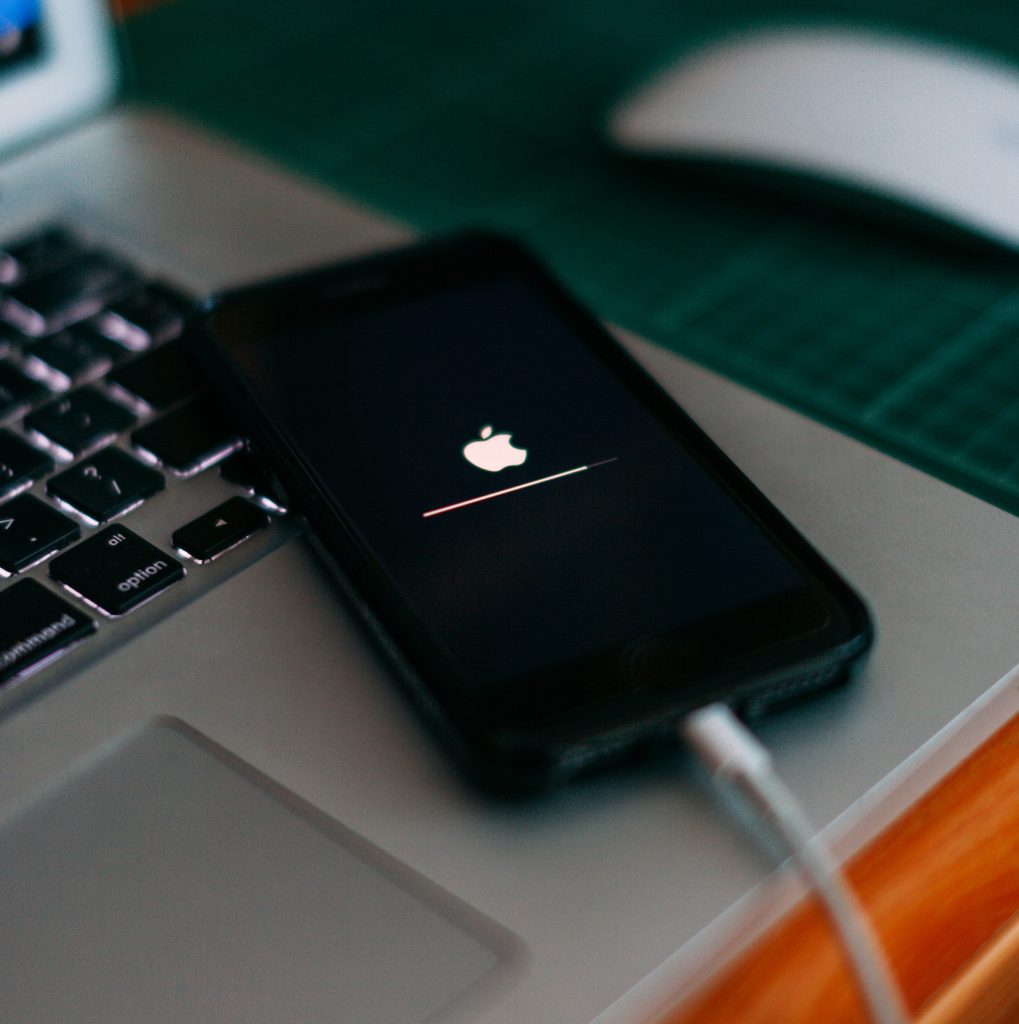
Why The iOutlet makes upgrading easier
We’ve helped over a million people in more than 40 countries find their next device. All of our phones are thoroughly tested and graded so you know exactly what you’re getting. You’ll find something for every type of user, from students to professionals to parents buying their kid’s first phone.
If you’d rather not pay all in one go, flexible payments are available too. It’s all about making things easier and more affordable when the time comes to upgrade.
The bottom line
iPhones don’t last forever. At some point, software support ends, and things begin to feel a little outdated. That doesn’t mean you have to rush out and spend a fortune. There’s always the option to keep using your current phone a little longer, or to switch to something newer without buying brand new.
Refurbished is a smart and realistic way to do that. It’s more affordable, better for the environment, and with the right provider, just as reliable. If you’re ready to make the move, we’re here to help you do it properly.