



How do I move my data to my refurbished Samsung Galaxy?
Welcome to your refurbished Samsung Galaxy. Here’s how to get up and running.
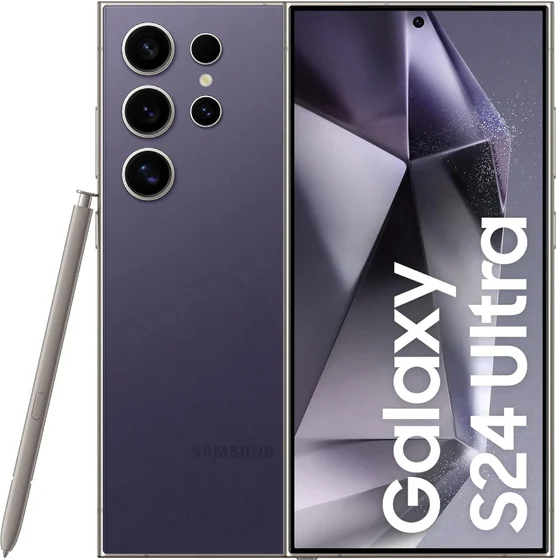
How do I set up my Samsung Galaxy for the first time?
- Charge the Samsung Galaxy before first use.
- Power on and choose your language and region.
- Connect to Wi-Fi.
- Sign in with your account (or create one), then choose to restore from a backup or set up as new.
- Install any available software updates.
Move your data across
- Samsung Smart Switch: transfer from your old phone via cable or Wi-Fi.
- Google backup: sign in during setup to restore apps, contacts and settings.
Accounts & biometrics
Sign in with (or create) a Google account, add a Samsung account for extras, and set up a fingerprint/face unlock in Settings → Security.
Tip: Turn on automatic updates and set up biometrics (Face ID / Touch ID / fingerprint) while you’re in setup.
Still need a hand? Contact our support team if you get stuck during setup.
Was this article helpful?
