
On this page
Woohoo! Your shiny, refurbished AirPods have arrived, and life just got a whole lot more hands-free! But now you might wonder, how you keep something that spends so much time in your ears clean and fresh. Don’t worry, we’ve got you covered! In this blog post, we’ll guide you through everything you need to know about cleaning and maintaining your refurbished AirPods, so you can continue to enjoy them for years to come.
Cleaning supplies you will need
To properly clean and maintain your AirPods, you will need the following supplies:
- Soft, lint-free cloth: For wiping without causing scratches.
- Cotton swabs: For cleaning small crevices and the charging port.
- Isopropyl Alcohol: Helps disinfect and remove grime and ear wax.
- Soft brush: Handy for gently brushing away debris from mesh areas.
- Paper towel: To dry your AirPods after cleaning.
How to clean your AirPods step by step
Step 1: Wipe the exterior
Use a soft, lint-free cloth slightly dampened with water or isopropyl alcohol to gently wipe the exterior of your AirPods. Be careful not to get any moisture into any openings, such as the speaker mesh or charging port.
Step 2: Clean the charging case
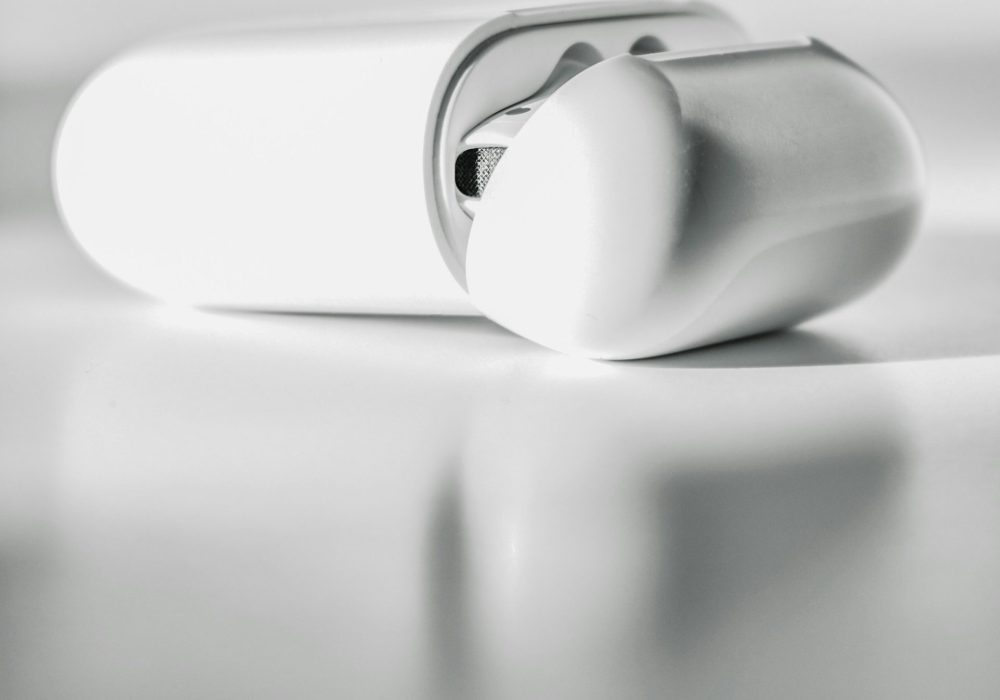
Wipe the outside of the charging case with a soft, dry cloth. For the interior, gently clean the inside of the lid and charging ports with a cotton swab lightly dampened with isopropyl alcohol. Be careful to avoid damaging the internal components.
Step 3: Clean the speaker mesh
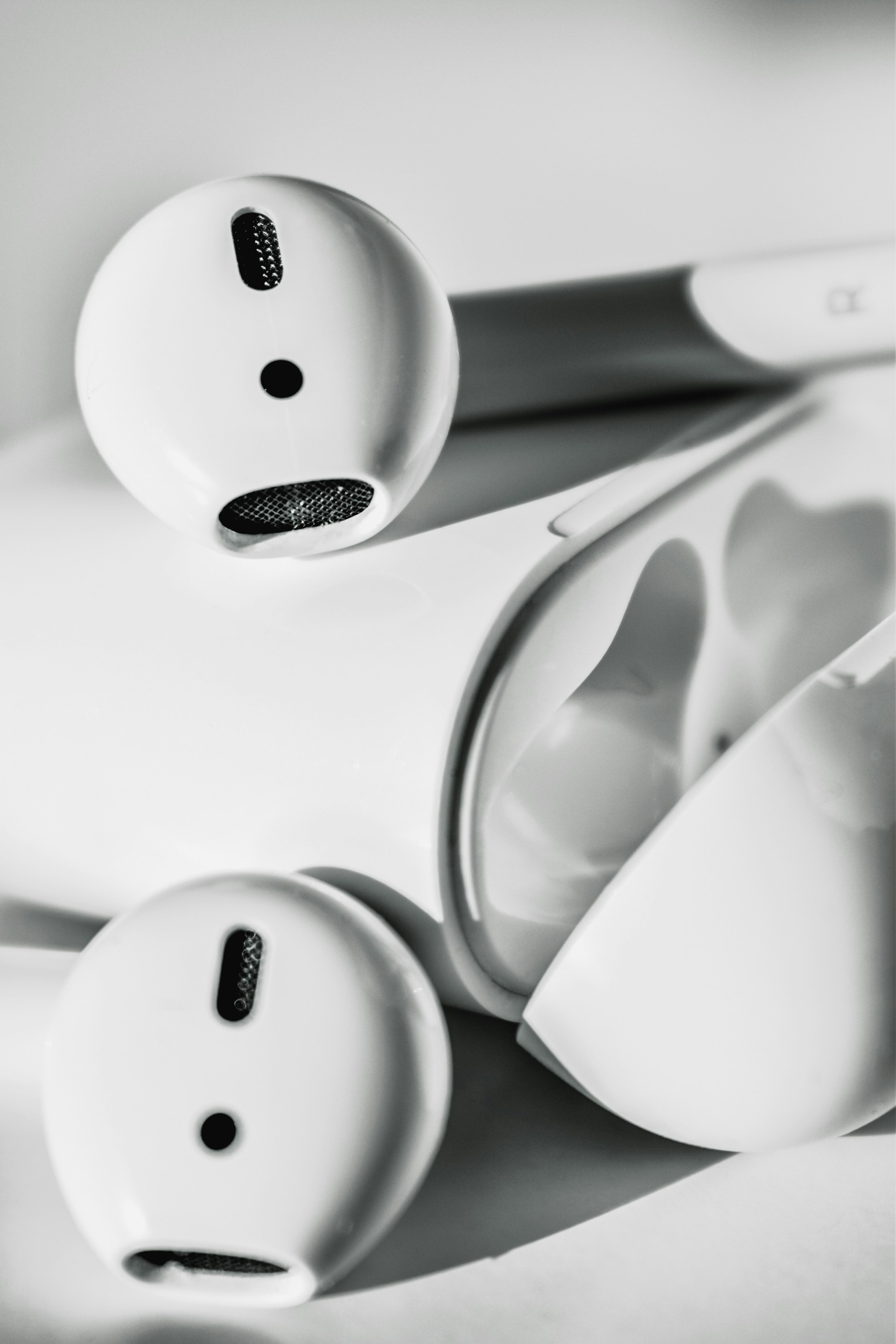
Use a soft brush or a dry cotton swab to gently remove dust and debris from the speaker mesh on your AirPods. Be careful not to apply too much pressure or use sharp objects, as this can damage the delicate mesh.
Step 4: Clean the ear tips
If your AirPods have removable ear tips, carefully take them off and wash them with mild soap and water. Make sure they’re fully dry before reattaching them.
Step 5: Dry thoroughly
Use a dry, lint-free cloth or paper towel to gently wipe away any remaining moisture. Let your AirPods and case air dry completely before using or storing them.
Maintaining your AirPods
Store correctly
Always store your AirPods in their charging case when not in use. This helps protect them from dust, moisture, and physical damage.
Avoid extreme conditions
Protect your AirPods by keeping them away from extreme temperatures, humidity, and direct sunlight. Exposure to these conditions can impact their performance and reduce their lifespan.
Check for updates
Regularly update your AirPods’ firmware through your connected iOS device to ensure they have the latest performance improvements and bug fixes.
Handle carefully
Avoid dropping or rough handling your AirPods, as this can cause internal damage. Treat them with care to maintain their condition.
Regular cleaning is essential not just for extending the lifespan of your AirPods by preventing dirt and debris buildup but also for ensuring they deliver clear sound and a stable connection. By following these steps, you’ll help maintain the performance and hygiene of your AirPods, ensuring a better listening experience and longer-lasting use.
Ready to take the plunge? Check out our selection of refurbished AirPods at The iOutlet and experience great tech for less.