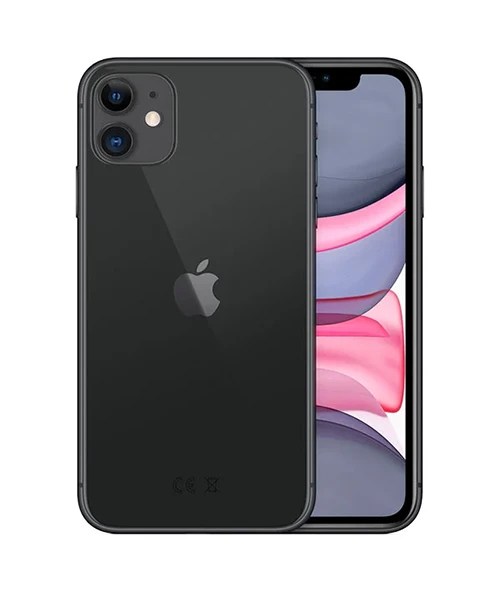
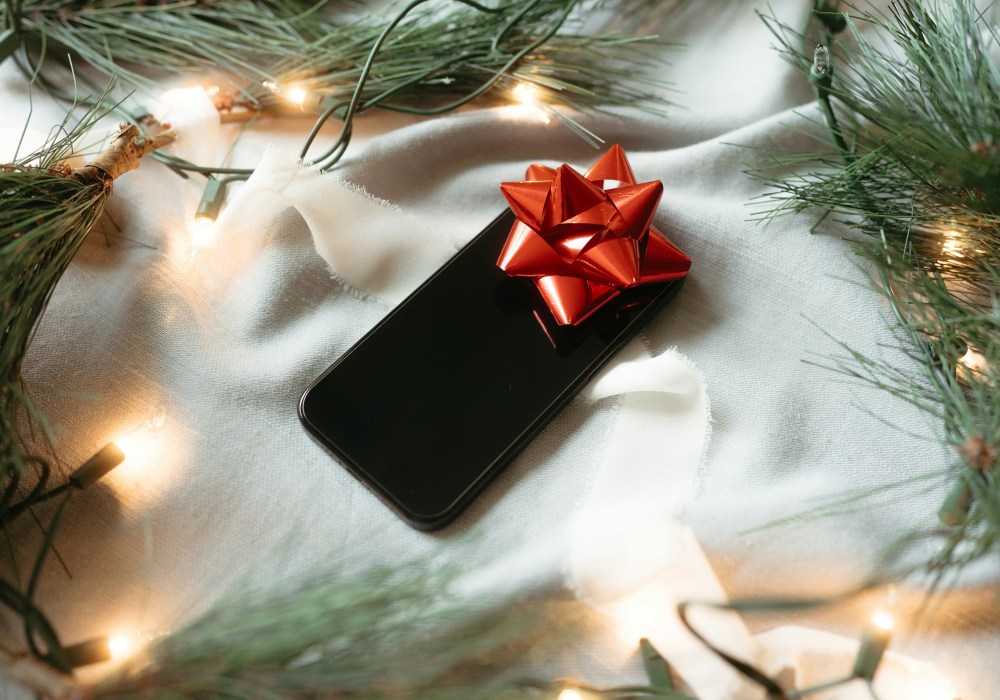
Buying someone an iPhone for Christmas? Solid move. Buying them a refurbished iPhone? Even better, as long as you do it right.
If you’ve picked up a refurbished phone as a gift, chances are you’ve done it because you’re smart. Maybe you saved a bit of cash. Maybe you’re tired of buying things that don’t last. Or maybe you know that the person you’re buying for just wants something that works. Either way, a little setup beforehand can make it feel just as special as something new.
Why You’re Probably Giving a Refurbished iPhone
New iPhones are expensive. Most people want one, but not everyone can justify the price, especially at Christmas. That’s where refurbished comes in, same Apple quality. Still fast, still reliable. Just without the shiny Apple price tag!
Gifting one isn’t weird. It’s actually a pretty smart thing to do, and if you set it up properly, no one will be asking where the shrink wrap went.
Step One: Give It a Fresh Start
Even if your iPhone came reset, it’s worth doing it again yourself. Go to Settings > General > Transfer or Reset iPhone and choose Erase All Content and Settings. That’ll clear anything left over from testing and give you a totally clean device to work with.
Once that’s done, connect it to Wi-Fi and install any updates so it’s running the latest version of iOS. You don’t want someone turning it on for the first time only to be greeted by an update. If it’s for a kid, you can install some of the apps you’re happy for them to use and set up parental controls too.
Step Two: Get the Basics Ready
You don’t have to go all-in on the setup. In fact, it’s better not to. Let the person getting the phone pick their own Apple ID, passcode, and privacy settings.
But you can do a few helpful bits in advance:
- Set the language and region
- Connect it to Wi-Fi (especially if they’ll be using it at home)
- Check that Bluetooth, location sharing, and other settings aren’t tied to your account
That way, when they turn it on, it feels new, not second-hand.
Step Three: Make It Look the Part
First impressions matter; if the phone looks clean and well-presented, no one’s going to care if it came in an official Apple box or not.
Start with the basics. Wipe the screen and the camera lens. Check the ports. Remove any dust or smudges. A quick polish with a microfibre cloth goes a long way.
Then think about the presentation too, a nice case or screen protector makes it feel fresh. If it didn’t come in retail packaging, no problem. Wrap it in a small tech pouch, gift box or even tissue paper inside a plain box. Just keep it tidy and minimal. It’s the kind of detail people remember.
“Will They Know It’s Refurbished?”
Maybe. But probably not, and honestly, it doesn’t really matter.
The truth is, when you buy from somewhere like The iOutlet, the phone’s already been tested, cleaned, graded, and given a second chance at life. We’re not talking about some sketchy used listing from a random marketplace. These are quality devices that just happen to have had a previous owner.

Giving Refurbished Is Thoughtful, Not Cheap
There’s a difference between trying to save a few quid and making a smart choice. Gifting refurbished means you’ve thought about what they’d actually use. You’ve picked something practical, something they’ll get value from every single day.
It’s also way better for the environment. One less device is going to waste. One less box in the landfill. Not everyone’s thinking about that at Christmas, but maybe more people should.
You’re not cutting corners. You’re just not paying extra for the same thing, and the money you’ve saved? Maybe it goes toward a new case, AirPods, or just not stressing over your January bank balance.
The Final Touches
Once you’ve cleaned it, set it up, and wrapped it up, you’re done! It’s refurbished, professionally tested, fully working, and better for the planet!