




Apple Watch help
Pairing, battery, activation lock, repairs and support for your Apple Watch.
- 12-month warranty
- Easy returns
- Free UK delivery
- Quality checked
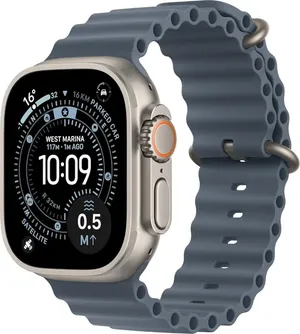
Browse Apple Watch topics
Choose a topic below.
Popular Apple Watch articles
How do I set up my Apple Watch for the first time?
Charge the watch, then hold the side button until the Apple logo appears. Hold it close to your iPhone and wait for the pairing card, or open the Watch app and choose Add Watch. Hold the watch up to your iPhone’s camera to pair the two. Choose Restore from Backup if you had a watch before, or Set Up as New.
Setup & data transferHow do I check my Apple Watch battery health?
On the watch, go to Settings → Battery → Battery Health to see maximum capacity.
Battery healthDoes my Apple Watch have a carrier lock?
There is no carrier lock on an Apple Watch, and no SIM to swap. A GPS + Cellular watch uses an eSIM on the same network plan as the iPhone it is paired with, added during pairing, so it follows your phone contract rather than having one of its own. A GPS watch has no mobile data at all.
Unlocking & device locksWhy won’t my Apple Watch turn on or charge?
Try a different cable and charger, and a different power socket. Charge for at least 30 minutes, then try again. Force restart: Hold the side button and the Digital Crown together for about 10 seconds until the Apple logo appears.
Troubleshooting
Still need a hand?
Our support team is happy to help with anything we haven’t covered.
