




How do I trade in my iPhone with The iOutlet?
Get an instant quote on our iPhone trade-in page, send it to us with free UK postage, and we pay you within one working day of it arriving and passing our check.
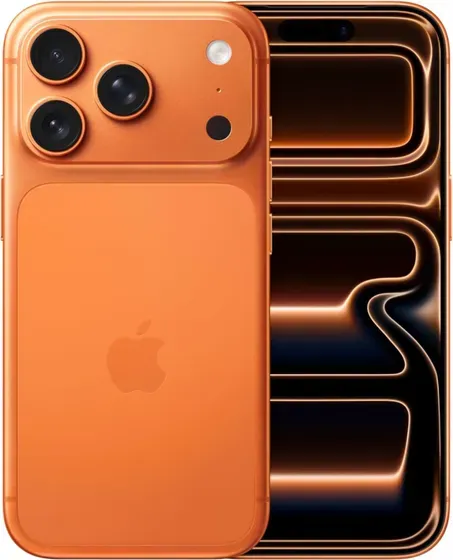
How much will you pay for my iPhone?
It depends on the model and its condition. Choose yours on our iPhone trade-in page and you get a price straight away.
How do I get my iPhone ready to send?
Back it up, sign out of every account so it is no longer locked to you, then erase it.
- Back up anything you want to keep.
- Sign out of all accounts and remove locks - see Unlocking & device locks. We can’t complete a sale on a device that’s still locked.
- Erase the device and remove your SIM and any case.
For your iPhone specifically:
- If your iPhone is paired to an Apple Watch, unpair the watch first.
- Turn off Find My / Activation Lock and remove the SIM.
How do I send my iPhone to you?
Postage is free in the UK: show the Royal Mail QR code at any Post Office, no printer needed, or print the prepaid label at home. Keep your proof of postage until you have been paid.
How and when will I be paid?
Within one working day of your iPhone arriving and passing our check, in the way you chose at checkout: bank transfer, PayPal, or an iOutlet voucher worth 5% more than the cash price (2.5% more on a device priced over £500).
Still need a hand? Contact our support team.
Was this article helpful?
