



Update Your Watch OS
Support - System Performance and Updates
To Update your Watch OS
- Ensure your phone is updated to the latest iOS
- Make sure your watch is connected to the charger and has at least 50% battery
- Connect your phone to WiFI
- Ensure the watch and iPhone are next to each other so they are in range
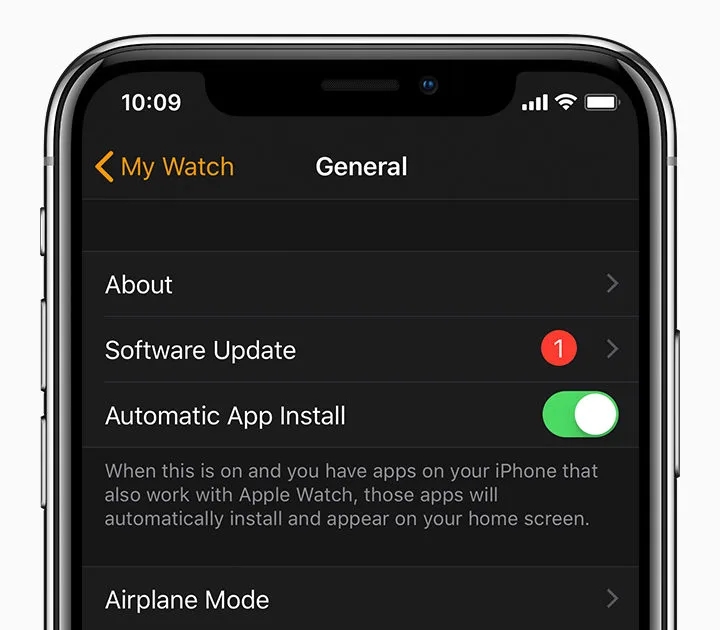
The Apple Watch should notify you of any updates. To check for updates manually, follow these steps;
- Connect the Watch to its charger
- On the Apple Watch app on your iPhone
- Tap the My Watch tab
- Tap General > Software Update
- Download the update and enter any passwords or codes it may ask for
- Wait for the progress bar/wheel to appear and update. This can take anywhere from several minutes to an hour to complete
Trust our customers, not just us

“Fantastic service, pristine second-hand iPhone. Perfect!”
Richard Gledhill“Absolutely amazing company. Have used them for years.”
Jade Plummer“Definitely recommend and will come back for the future! Thank you again!”
Aoife May