




What should I do if my device stops working?
Most device issues are quick to resolve. Work through these first.
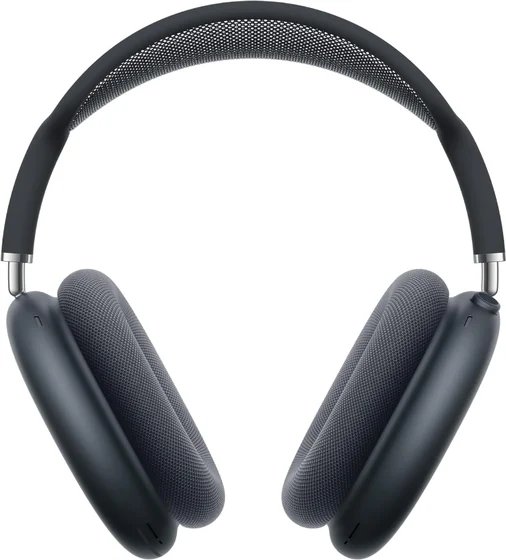
Why won’t my device turn on or charge?
- Try a different cable and charger, and a different power socket.
- Charge for at least 30 minutes, then try again.
- Force restart: Hold the power button for 10–15 seconds to force a restart, then power back on.
Why won’t my device connect to Wi-Fi or Bluetooth?
- Toggle the connection off and on.
- Forget the network/device and reconnect.
- Reset network settings if needed.
Why is my device slow, freezing or crashing?
- Install the latest updates.
- Free up storage space.
- Restart; as a last resort, back up and reset.
What are the common device issues?
Bluetooth accessory won’t pair
Charge it, put it into pairing mode, “forget” it on your phone/computer, then pair again.
Won’t charge or power on
Try another cable, charger and socket, and charge for at least 30 minutes before testing.
Still not right? Your device may be covered by its 12-month warranty - contact us.
Was this article helpful?
